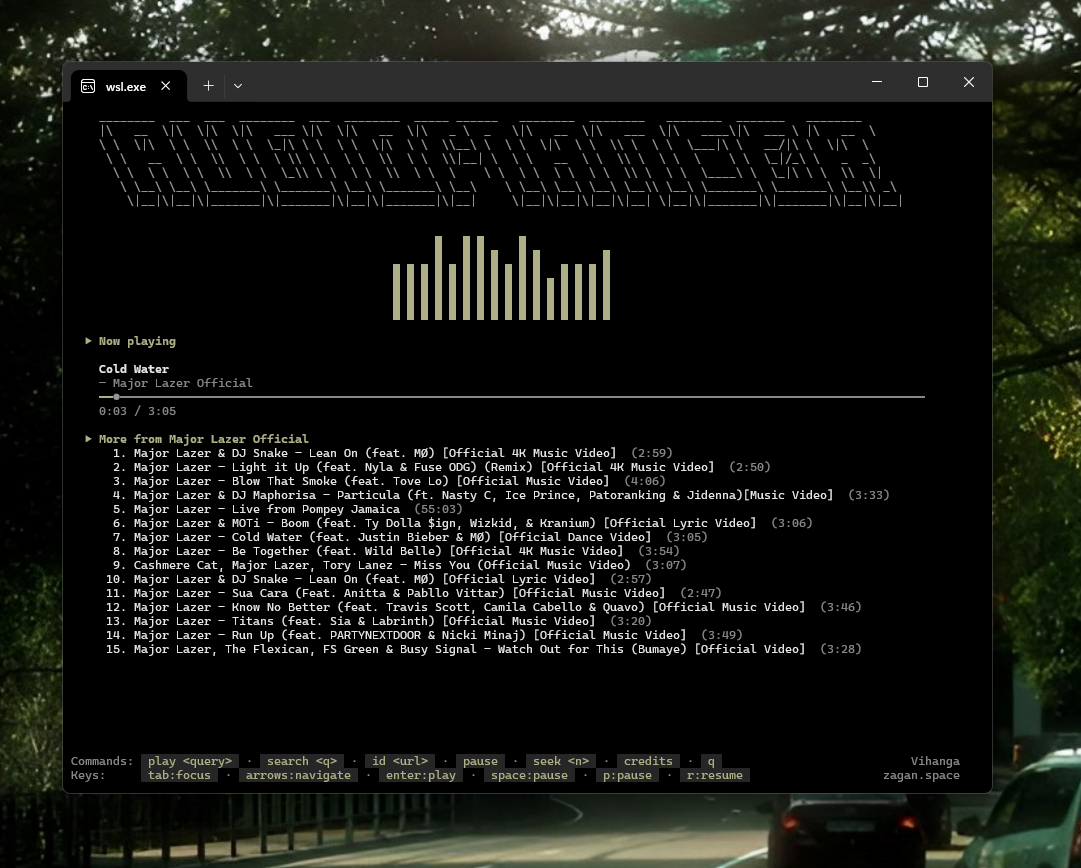
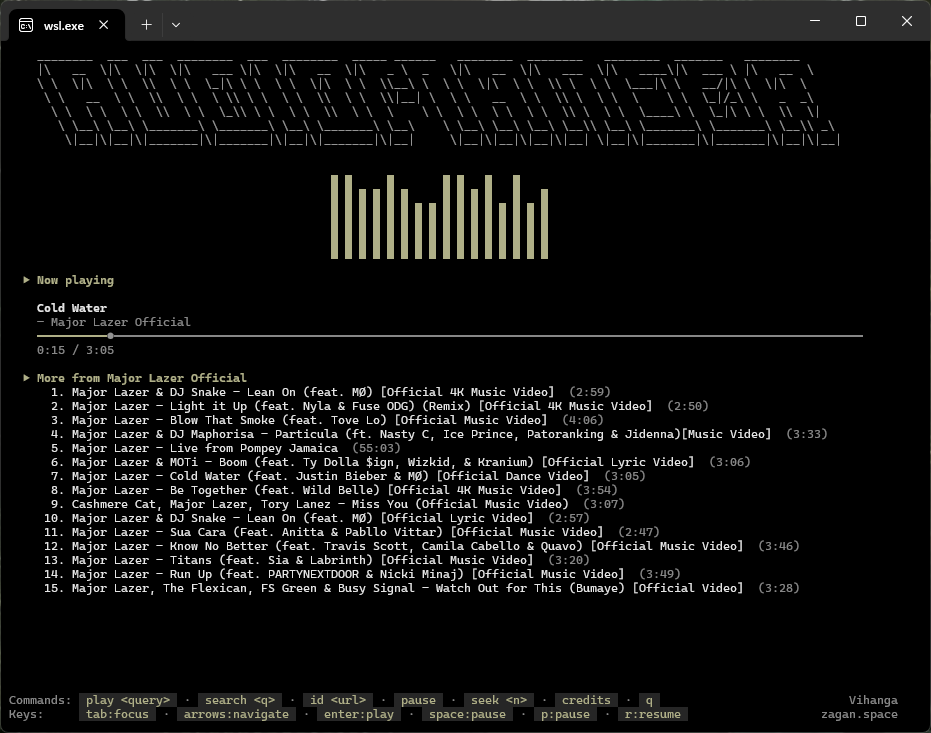
Audiomancer is a terminal music player that streams audio from YouTube directly in your terminal. No browser, no video, no clutter — just search, play, and control everything with your keyboard.
Why Another Music Player?
Most YouTube music players are web apps or Electron wrappers that consume hundreds of megabytes of RAM for what should be a simple task: play audio. Audiomancer lives in the terminal, uses yt-dlp to resolve direct audio stream URLs (no files downloaded), and hands them off to mpv for playback. The result is a player that uses a fraction of the resources of any browser-based alternative.
How It Works
The stack is refreshingly simple. yt-dlp handles YouTube search and stream URL resolution — no API keys needed. mpv plays the audio stream in --no-video mode and exposes an IPC socket for control. The CLI(built with commander) talks to mpv over that socket to pause, seek, and adjust volume live. The TUI layer uses blessed for the terminal interface with real-time progress bars and status updates.
Key Features
- Search & play — Search YouTube and play the first result in one command.
- No downloads — Streams directly, nothing saved to disk.
- Keyboard controls — Space to pause, arrows to seek, +/- for volume.
- Two CLI names — Works as both
audiomancerandadt. - Minimal deps — Just blessed, chalk, commander, execa, ora, and strip-ansi.
Installation
Install globally from npm — requires
yt-dlp and mpv on your PATH.
Usage
Three main commands cover everything:
Controls
| Key | Action |
|---|---|
space | Pause / resume |
→ / ← | Seek ±10 seconds |
+ / - | Volume up / down |
q | Quit |
Published on npm
Audiomancer v0.1.1 is live on the npm registry. Install it globally in one command and start playing music from your terminal immediately. The GitHub repo is open-source with an automated publish workflow — every release tag triggers a CI pipeline that ships the package to npm.
The project is open-source under MIT license. Source code on GitHub.