GIF Deck is a top.gg-style GIF site built with Next.js,
Tailwind CSS, and
MagicUI — with a companion
Discord bot bolted on. You search GIFs (your own library plus

It started as a tiny slash command MVP and grew into a full site. The bot still handles instant /gif picking without opening the browser.
Architecture
Two processes run during development:
- web/ — the Next.js 16 frontend (App Router, TypeScript, Tailwind v4, shadcn/ui + MagicUI). Dev server on
:3000, proxying API and auth to the backend throughnext.config.tsrewrites. - Root — an Express backend that also runs the bot: OAuth2 login,
/search,/gifs,/senddispatch, the auth API, and/providers.
The bot client (bot.js, built on discord.js) caches guilds and channels and exposes
sendToChannel() / sendDm(). A small db.js reads and writes your own GIF library stored in data/gifs.json.
How the flow works
The round trip from search to sent GIF looks like this:
- Open the site and Log in with Discord.
- Search — your own
data/gifs.jsonlibrary ranks first, then Giphy results. - Click a GIF, pick DM me or a server + channel, then Send to Discord.
- The bot fires the GIF and the site confirms.
Search: your library first
search.js merges your local library with Giphy. Local hits always win, so the GIFs you care about surface before the firehose.
A look at the app
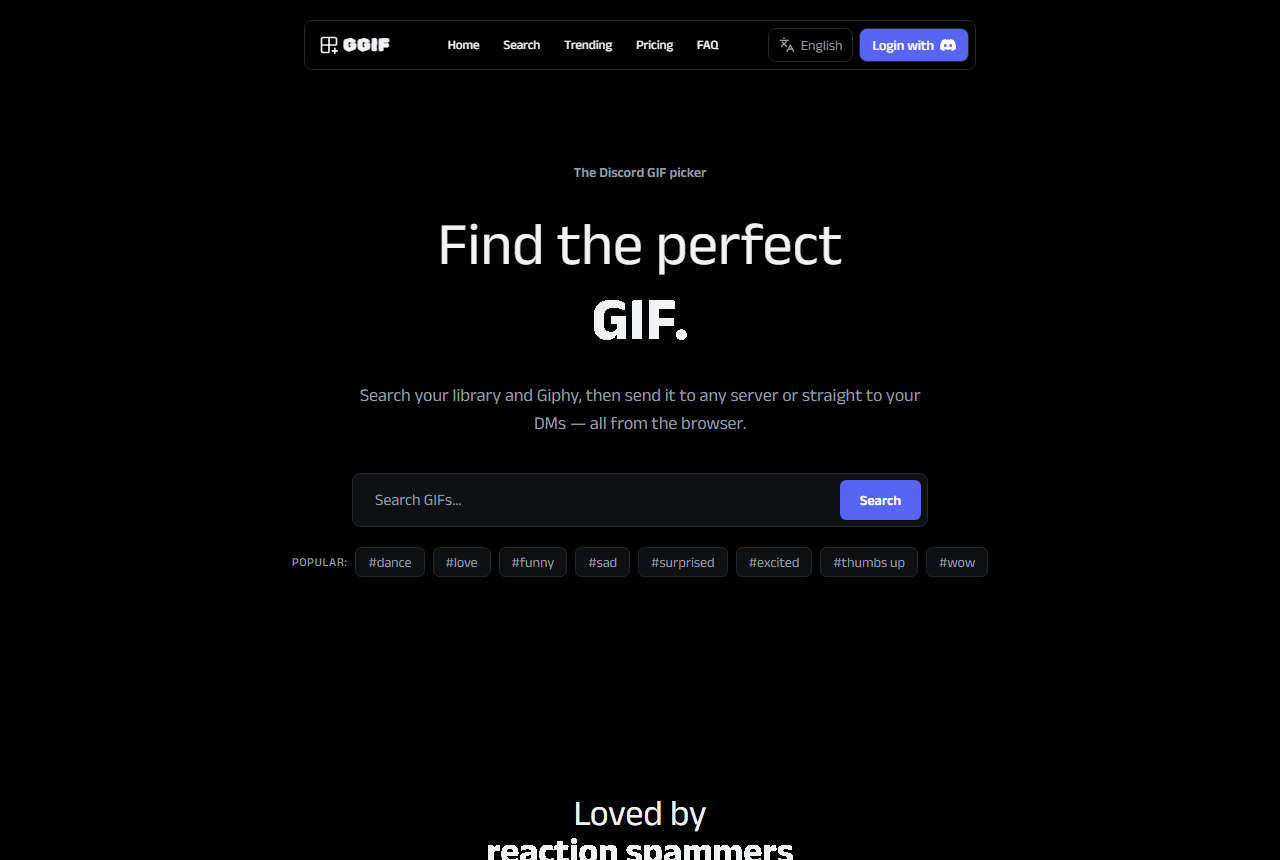
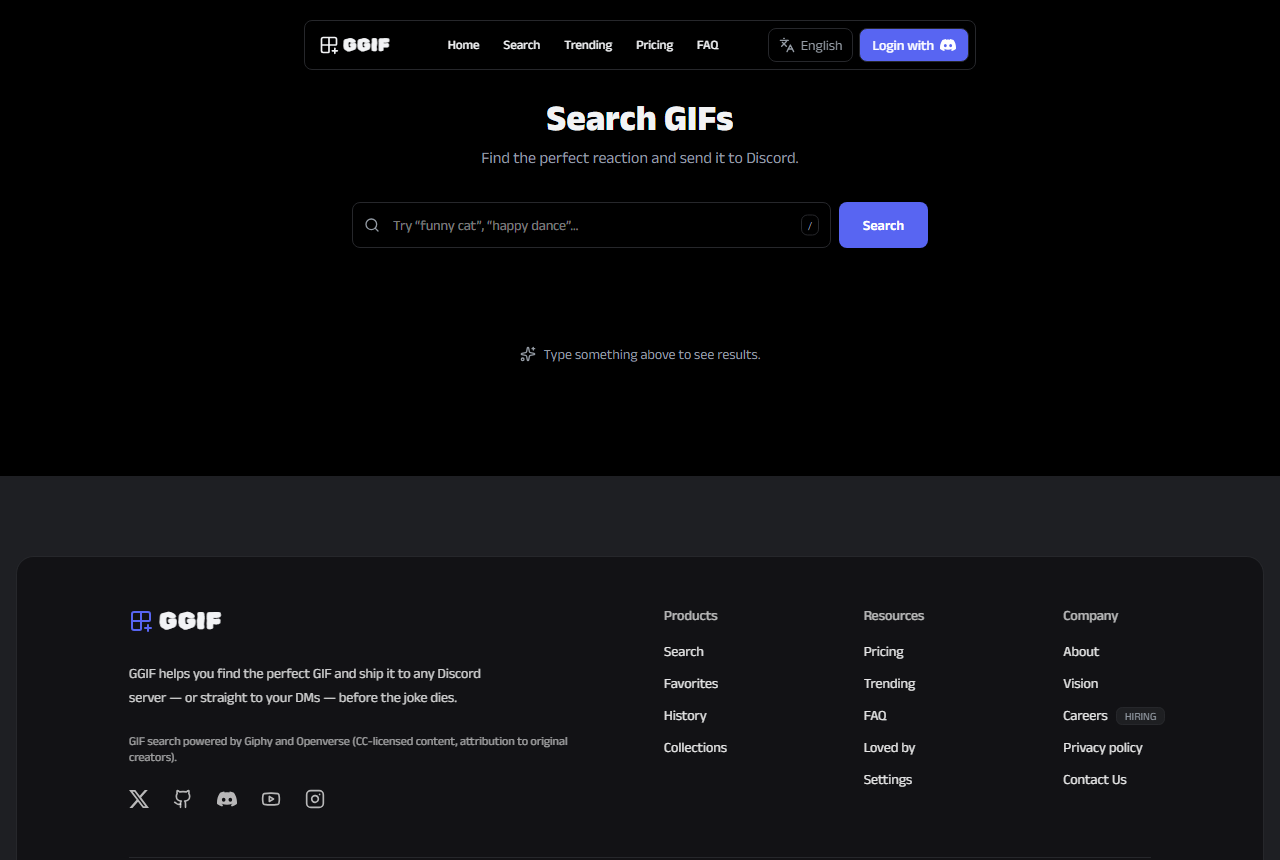
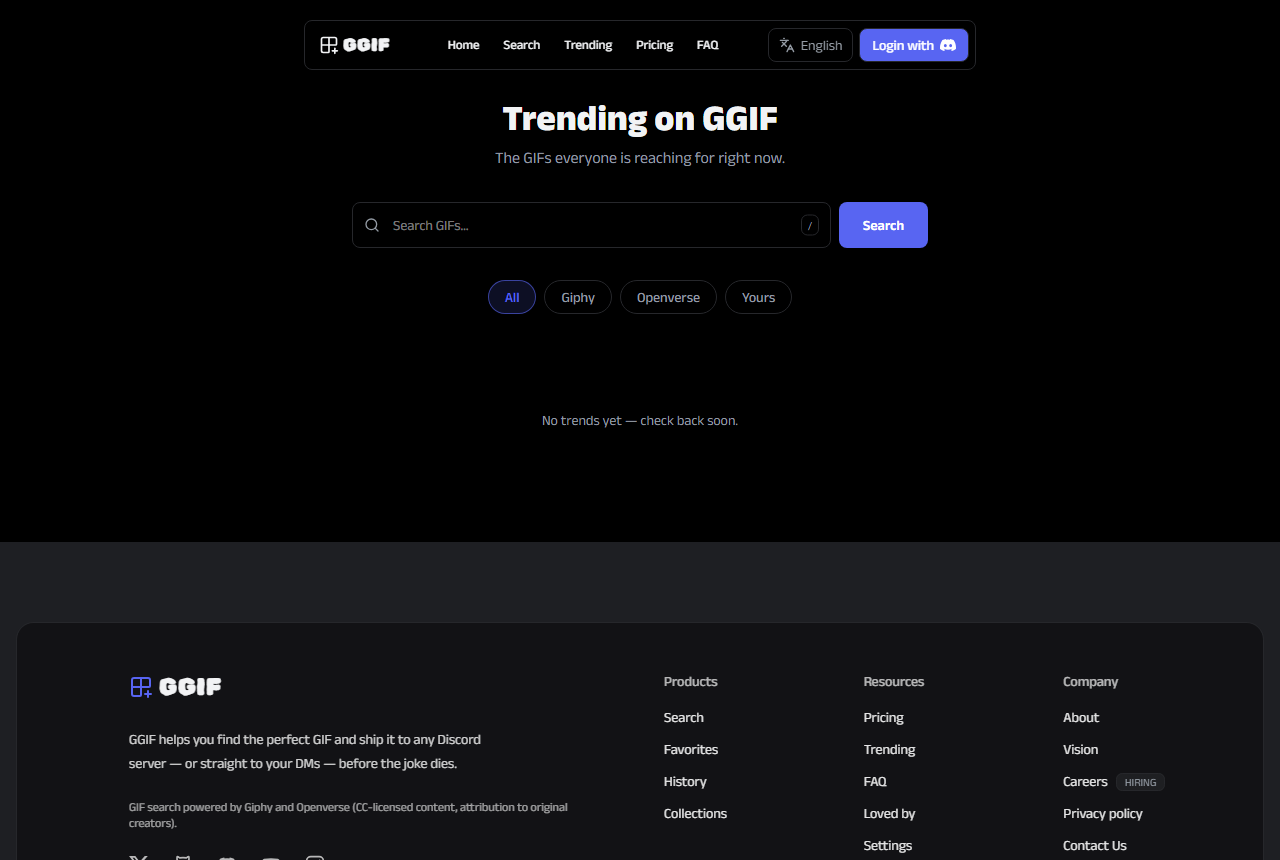
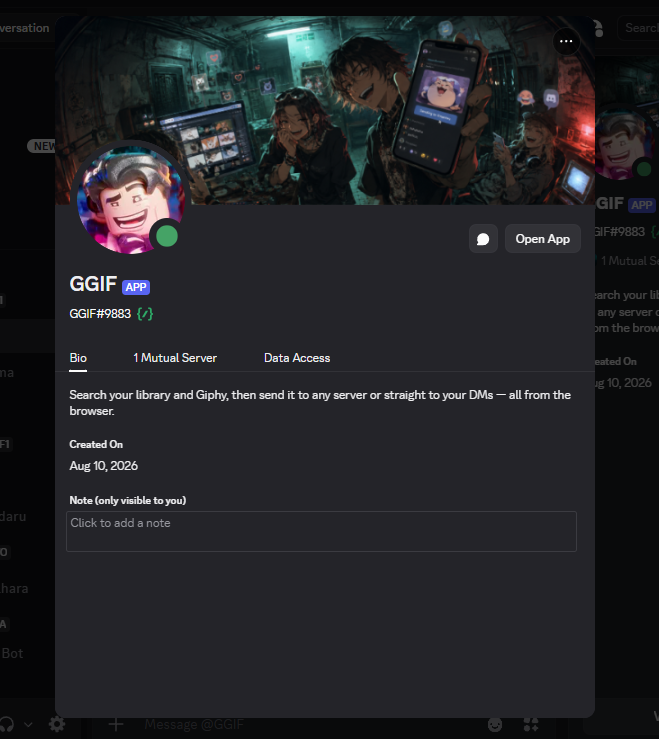
What it looks like today
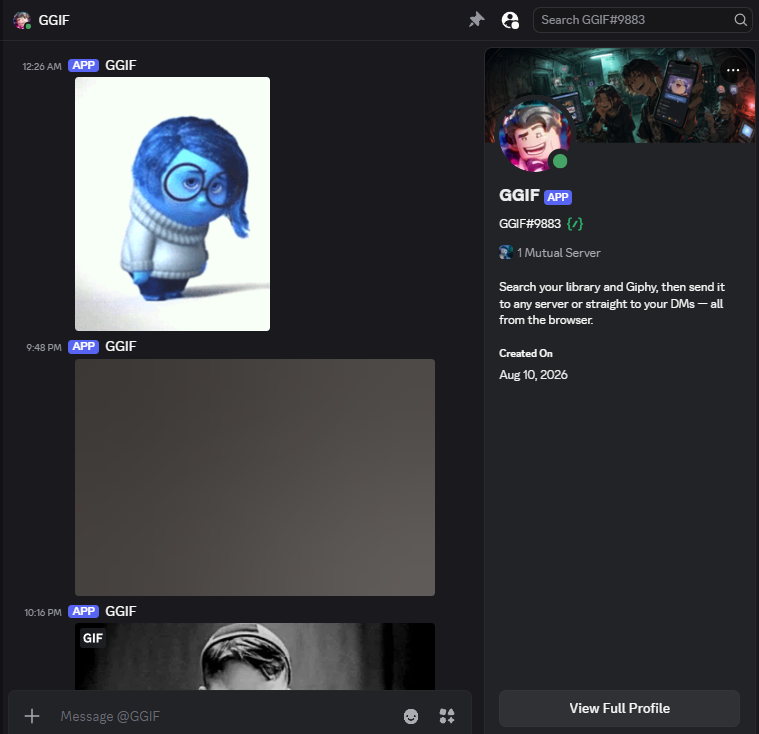
The site has grown well past the MVP. There's a full send flow — click any GIF, pick DM me or a server + channel, and the bot fires it into Discord. The send dialog uses an animated modal with a 3D spring entrance, and the hero features a video dialog with autoplay. Typography is Bricolage Grotesque for headings with a squiggly-text effect on the tagline.
Favorites, history, and saved collections are stored in your browser's localStorage, and the whole UI is translated into 15 languages. The homepage even ships with real Discord screenshots of the bot in action.
The bot (bot.js, built on discord.js) handles the
/gif slash command for instant picking and exposes sendToChannel() / sendDm()for the site's dispatch.
Running it locally
You need a Giphy key and a Discord app. Copy .env.example to .env and fill in GIPHY_API_KEY, DISCORD_TOKEN, CLIENT_ID, CLIENT_SECRET, and a REDIRECT_URI of http://localhost:3000/auth/callback. Enable the Server Members intent and use the OAuth2 scopes identify and guilds.
Open http://localhost:3000. Invite the bot to a server with the applications.commands + bot scopes and the Send Messages permission.
Adding your own GIFs
POST to the backend with your admin key — title, tags, and a URL:
Tech stack
What is next
Post-MVP work: swap the in-memory sessions and data/gifs.json for a real database, add a multipart upload endpoint instead of URL-only GIFs, and rate-limit /search and /send. Favorites, history, and collections are already shipped and stored locally.